uGO turns your renders, 360° or panoramic, into a tour your client opens with a link, on any screen and with their branding. You build it in the browser and start for free.
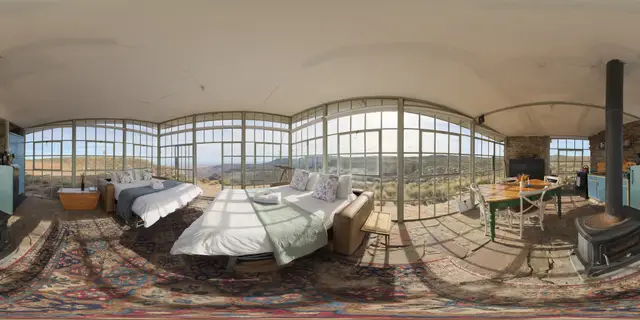
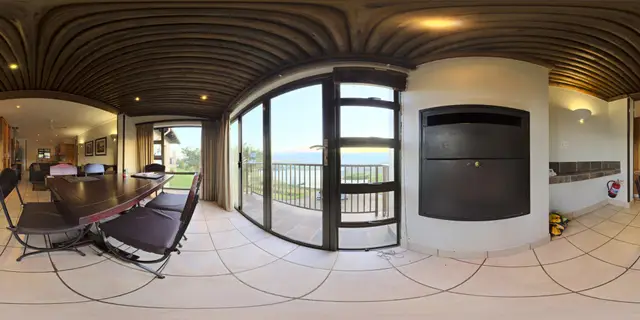
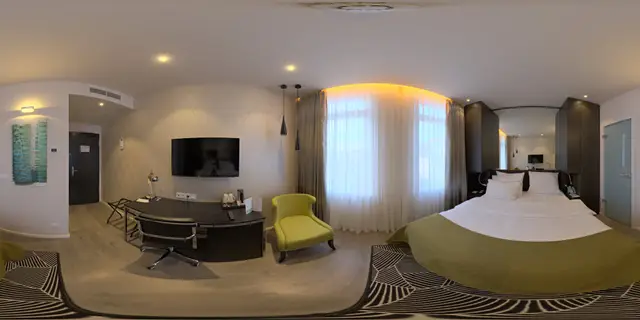
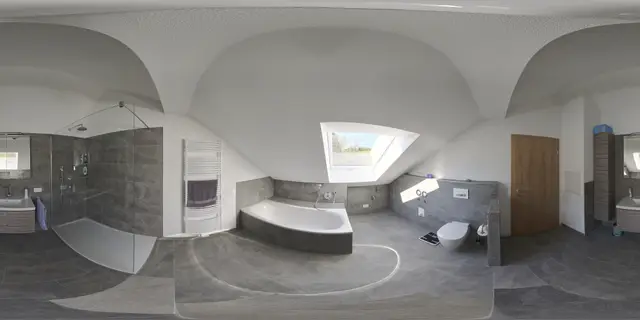
Export from your render engine and drag the image into the panel. It doesn’t have to be 360°: 180° panoramas and narrower ones work too, and uGO detects how much each one covers. Once the upload finishes, you can already step inside and look around.
Step 2 / 6
Connect the rooms
Place a point on the door and choose which render it leads to. The jump can be a fade, a step forward or an opening circle. The connections map tells you if a room was left without an entrance.
Step 3 / 6
Mark what matters
Draw a polygon over the balcony, add a label or a point that opens a card with images, a PDF and a button. The buyer learns everything without leaving the tour.
Step 4 / 6
Your client’s branding
Their logo, their color, the thumbnail strip, the floor plan with the rotating view. You see it exactly as the buyer will, on desktop and on mobile, before handing it over.
Step 5 / 6
Deliver it with a link
One button and it’s online. You send your client a link or a QR code, they embed it in their website, or you keep it password-protected until launch. On a phone, you look around by moving the device.
Step 6 / 6
Show what worked
How many visits it had, how long people stayed, which room they looked at most and how many got in touch afterwards. Numbers to show your client, without identifying anyone.
Build your first tour today.
Create the account, upload your renders and send your client the link. Nothing to install and no card.
Prices in US dollars, per organization, per month. The free plan does not expire and asks for no card.
What we’re always asked.
Which program do I export renders from?
Any program that exports a panorama: V-Ray, Corona, Enscape, Lumion, D5 Render or Twinmotion, for example. You upload the JPG, PNG or WebP and uGO detects whether it is full turn, half turn or partial. Nothing to install.
Does it have to be a 360° render?
No. Besides the full turn, uGO works with half turns (180°), panoramas of any width and flat images. It detects the type when you upload the image (if it gets it wrong, you change it from the panel) and shows it the way it should be: with a partial panorama, it fills in what’s missing with the color of the sky and the floor.
How is it different from Kuula, Matterport or 3DVista?
Matterport builds a 3D model from a scan of the place: for a project that doesn’t exist yet, there is nothing to scan. uGO, like Kuula or 3DVista, works with 360° images: your renders or photos. What we offer is having everything in a single panel — edit, publish, deliver and measure — designed for handing your client a tour with their branding.
Is the free plan a trial that expires?
No. It is a plan that never expires and asks for no card. It includes 1 project, 3 tours and 5 images per tour. Enough to build a real tour and show it to a client.
How does my client put it on their website?
From the Share tab you copy the embed code and pass it on: they paste it into their page. You can also send them the direct link or the QR code, without embedding anything.
Can I deliver it with my client’s logo?
Yes. In Appearance you choose between the uGO brand, your logo or your client’s, along with the color and the viewer controls. Which options you get depends on the plan.
Can I hide a tour until launch?
Yes. A tour can be unlisted (only people with the link get in), private or password-protected.
Does it work well on a phone?
Yes, and it uses the gyroscope: the buyer moves the phone and the view follows. The panel can also be used from a tablet or a phone to touch up a tour.
Can I work with my team?
Yes. You invite your team by email with a role — owner, administrator, editor or reader — and decide which collections each person sees.
Can I show my client how many people viewed it?
Yes. The statistics show visits, average time, contacts, which room was viewed most and where people came from: direct link, their website or the QR. We do not identify people.
What if I need more than the Pro plan offers?
That is what Enterprise is for, quoted individually. Write to us and we’ll work it out.
Let them walk through it before it exists.
Create the account, upload your renders and send your client the link. Nothing to install and no card.